
GameGuardian
Tools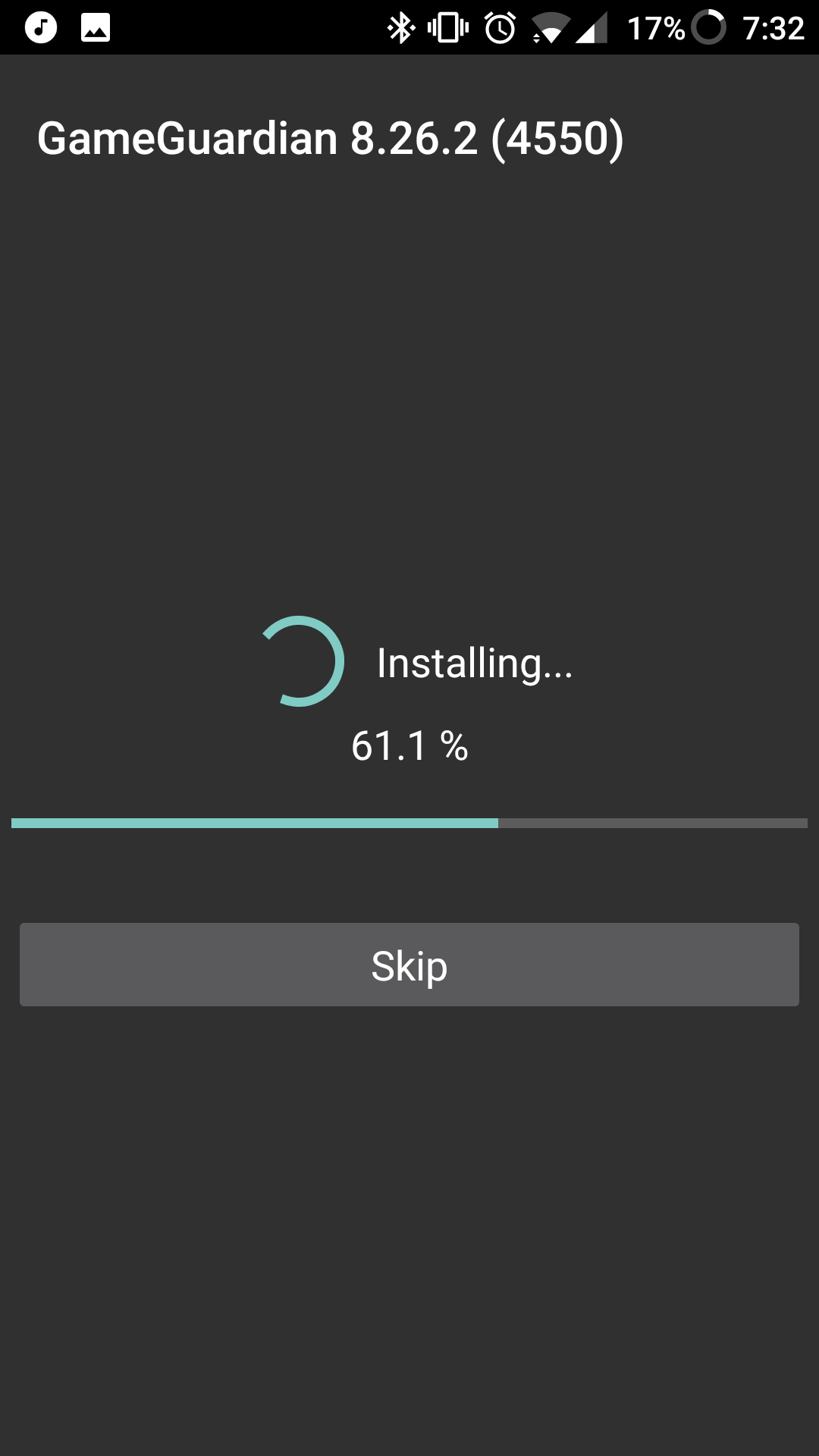

GameGuardian is a utility that lets Android gamers edit in‑game values such as money, health, or strength. By changing these numbers, users can speed up progress, test new strategies, or simply enjoy a more relaxed play session.
This page provides the latest version details, step‑by‑step installation guidance, common troubleshooting tips, and safety considerations. All information reflects the current official build as of the last review on 2026‑10‑17.
Quick Information
| App/Game Name | GameGuardian |
| Latest Version | 101.1 |
| Developer | Not listed |
| Category | Apps / Tools |
| App Size | 19.72 MB |
| Package Name | catch_.me_.if_.you_.can_ |
| Last Updated | 19 January 2026 |
What Is GameGuardian?
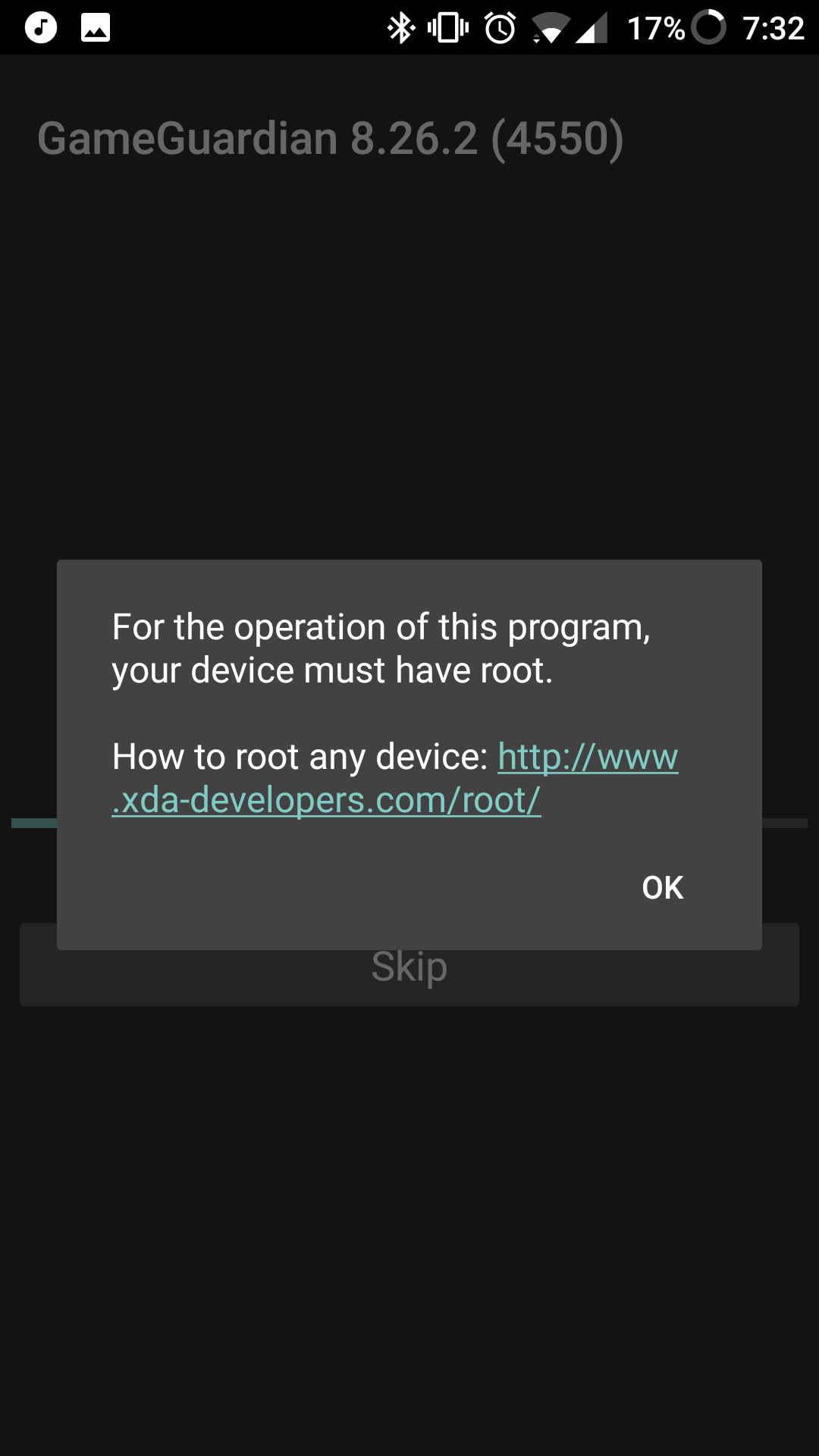
GameGuardian is a tool designed for Android devices that reads and modifies the memory of running games. It works by scanning for numeric values, allowing users to replace them with custom numbers. The app targets a wide range of game genres, from casual puzzles to action RPGs. It requires root access for full functionality, though some features may work on non‑rooted devices with limited scope.
Compatibility
Compatibility
| Android Version | ✓ Verified — Android 4.0 |
| Architecture (ARM64 / 32-bit) | Not Verified |
| Internet Connection | ✓ Verified — May be required for ads, updates, or login |
| Storage Needed | Not Verified |
| OBB/Data Files | Not Verified |
| Root Required | Not Verified |
How to Install
- Enable Unknown sources in Settings > Security (or Settings > Apps > Special access > Install unknown apps).
- Download the GameGuardian APK file to your device.
- Tap the downloaded file to start the installation process.
- Follow the on‑screen prompts and grant any required permissions.
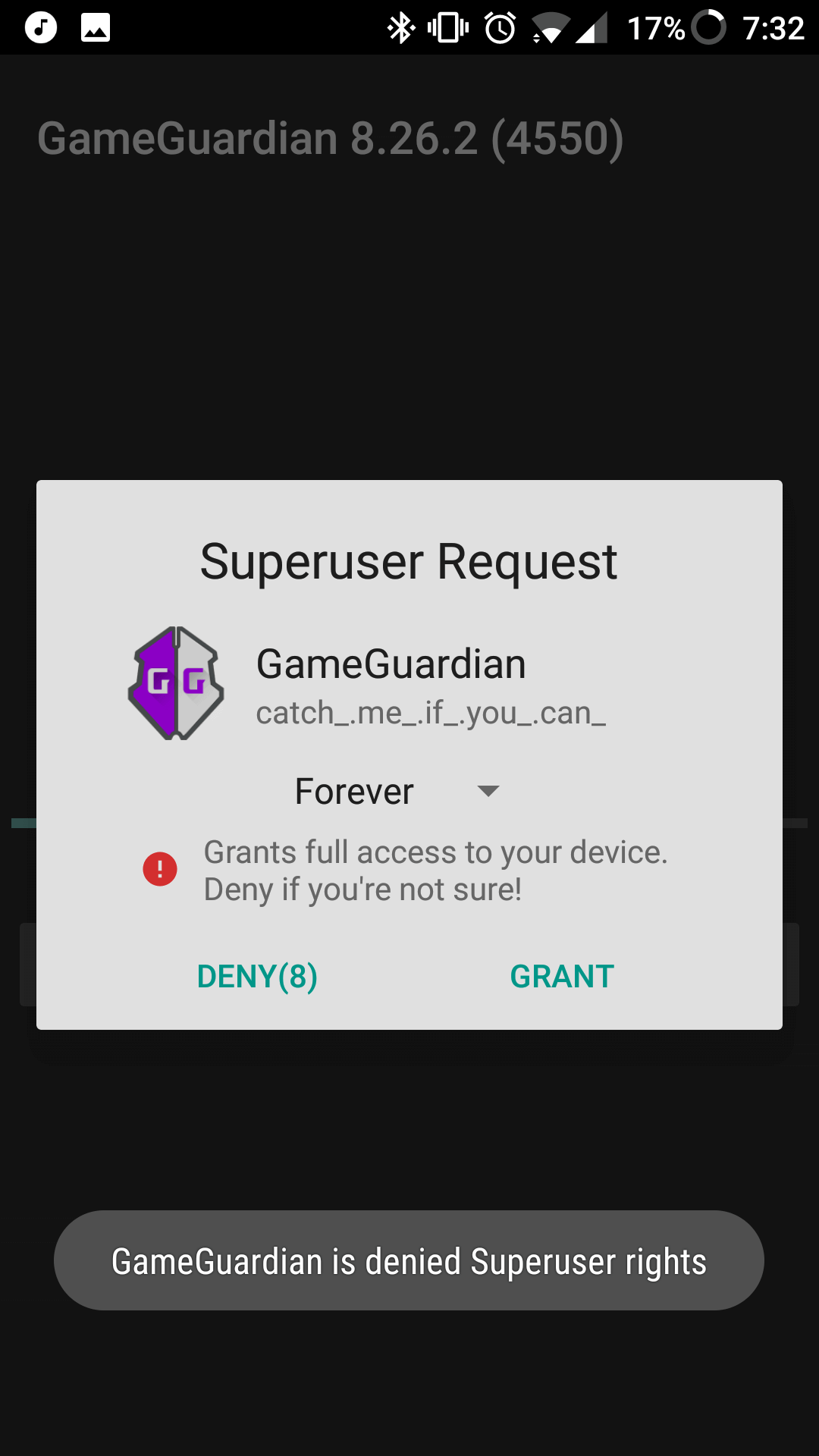
- After installation, launch GameGuardian and grant root access if your device is rooted.
Troubleshooting
- App not installed: Verify that the APK matches your device’s architecture (ARM/ARM64). Clear the installer cache in Settings > Apps > Package Installer.
- Crashes on startup: Ensure you are using the latest Android version supported by the app. Re‑install the APK after clearing its data.
- Root permission denied: Check that your device is properly rooted and that a compatible SuperSU or Magisk manager is installed.
- Values not changing: Some newer games employ anti‑cheat mechanisms that block memory editing. Try using the “Live” scan mode or updating to a newer build when available.
Safety & Security
GameGuardian modifies game memory, which can be flagged by anti‑cheat systems. Use it responsibly and avoid using it in competitive online environments where bans are possible. Always download the APK from a reputable source, scan the file with an up‑to‑date antivirus, and review the permissions it requests. Because the app can access sensitive data, avoid entering personal or financial information while it is running.
How GameGuardian Compares
| Feature | GameGuardian | GameCIH | Lucky Patcher |
|---|---|---|---|
| Price / Free model | Free with optional donations | Free with ads | Free with optional paid upgrades |
| Platform availability | Android only | Android only | Android only |
| Standout feature | Real‑time memory editing with extensive scan options | Simple value editing and script support | App patching for removing ads and license checks |
| Best for | Users who want detailed control over in‑game values | Casual cheaters preferring a lightweight tool | Those looking to modify app behavior beyond games |
Alternatives
- GameCIH – A straightforward memory editor with script capabilities, suitable for quick value changes.
- Lucky Patcher – Primarily used for removing ads and license verification, but also offers basic game value tweaks.
- SB Game Hacker – Offers a range of cheat functions and a user‑friendly interface for beginners.
Final Verdict
GameGuardian is a powerful Android tool for players who want to experiment with in‑game values. It works best on rooted devices and may be limited by newer anti‑cheat protections. Before installing, verify compatibility with your device, scan the APK for malware, and understand that using it in online competitive play can lead to bans. If you need a simpler or ad‑free experience, consider the alternatives listed above.
Frequently Asked Questions
Download it from a trusted source, scan the file with an up‑to‑date antivirus, and review the permissions it requests before installing.
Root access is required for full functionality, though some limited features may work on non‑rooted devices.
The app works on most Android versions, but compatibility can vary; check the compatibility table for your specific device.
Yes, many online games have anti‑cheat systems that can detect memory editing and may ban accounts that use such tools.
Enable unknown sources, download the APK, tap the file to install, and grant root permissions if your device is rooted.
Older versions may be found on reputable archives, but using outdated builds can increase security risks and reduce compatibility.
It works with many games, but titles that use strong anti‑cheat mechanisms may block its functionality.
No, GameGuardian is a single APK file and does not require extra OBB or XAPK data.